Best Ovulation Tracker App: What to Look For and How to Use It
Choose an ovulation tracker app that combines cycle dates with body signs and clear limits. Learn what to log, how to read predictions, and when to seek care.
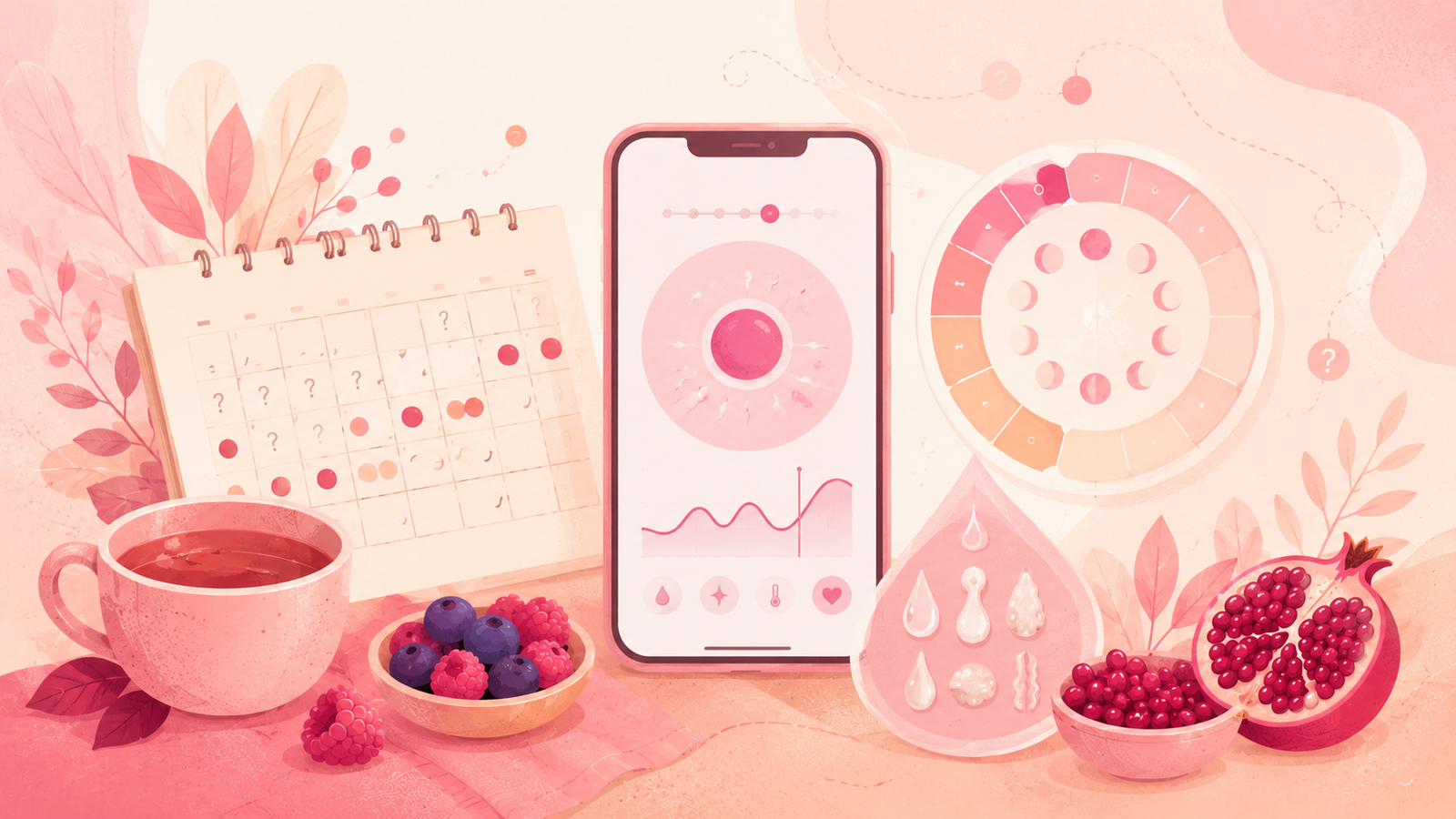
The best ovulation tracker app pairs your cycle dates with the body signs that actually shift around ovulation, shows how a prediction was built, and lets you edit anything you logged by mistake. Everything else is polish. Use one to plan around a fertile window, not to prove ovulation happened, and never as a stand-alone way to prevent pregnancy.
What A Tracker Does
An ovulation tracker app takes what you enter, applies its prediction method, and highlights days that may fall near the fertile window. Flow & Glow can support cycle logging and planning, while any app's early predictions have little personal history to work with. Treat those first estimates as broad planning clues and check which inputs the app actually accepts before relying on its window.
The most useful mental model is not ovulation on a single day but a window of days where conception is possible, wrapped around a likely peak. That framing keeps you from over-trusting a single highlighted day and helps you make sensible choices when the signals disagree.
Different products call the same idea by different names. Some call it a fertile window. Some call it a conception window. A few show a peak day inside a window. The math is close to the same: use your logged data to draw a shaded stripe on the calendar and update it as you enter more information.
The Core Question
Before you evaluate any single one of the fertility tracking apps on offer, decide what you actually want the app to do this cycle. Three intents cover most people:
- Understand when your fertile window is likely to open and close so intimacy can fall inside it.
- Log body signs day by day and see them plotted alongside your cycle.
- Keep a clean, shareable record you could hand a clinician when a question comes up.
An ovulation tracker app that only guesses dates from calendar history can help with the first, but it will not help much with the second or third. Apps for trying to conceive should support all three without punishing you for a busy day when you did not log anything. When you know which of these matters most to you now, the rest of the evaluation gets simpler and you can stop comparing apps on features you were never going to use.
Feature Rubric For Trackers
Use this rubric to compare any ovulation tracker app quickly. Score each item as strong, adequate, or missing, and add up what you see.
Cycle History
The app should let you enter as many past cycles as you can remember, edit any of them later, and show the range and average side by side. If it only stores what you have logged inside the app, expect blunt early predictions and give it more time before drawing conclusions. Range matters as much as average, because a very variable set of cycles calls for a wider default window.
Cervical Mucus
There should be an entry field for cervical mucus with clear labels rather than just emojis. A tracker that lets you record whether mucus was dry, sticky, creamy, watery, or stretchy can align its window with those observations. Read our cervical mucus guide if the categories feel unfamiliar, then come back and match the labels the app offers.
LH And Body Signs
Look for a dedicated LH log with at least a positive, negative, and peak option. The app should be able to shift its predicted window in response. Support for cross-referencing LH with mucus and cramping cues is a strong signal. Our overview of how LH tests and body signs fit together explains why this pairing matters and what to watch for when the two do not agree on the same day.
BBT
Basal body temperature entry should be simple, and the chart should show a clear shift after several days rather than a jittery line that panics on one warm morning. The app should not overreact to a single high or low reading. Look for a smoothing line, an editable manual override, and a way to mark a temperature as unreliable when you slept badly or drank the night before.
Symptom Notes
Free-text symptom notes are useful when the fixed labels do not fit what you felt. A good tracker time-stamps these notes and lets you filter across cycles so you can spot patterns like a recurring ache that shows up two days before your period, without scrolling forever through a busy log.
Editability
The single biggest quality difference between fertility tracking apps is whether you can go back and correct something. If a period start was on the wrong day, you should be able to move it and see the window redraw. If a mucus entry was misread, you should be able to swap it and watch the model react. Locked history quietly ruins good predictions and turns a small mistake into weeks of skewed output.
Export
If you cannot export your data as CSV, PDF, or at minimum a shareable summary, the app is quietly locking you in. Export matters when you want a second opinion, when you switch phones, and when a clinician asks a specific question about a specific cycle. It is also a signal that the team behind the app respects your ownership of your own data.
Privacy Controls
The app should tell you what leaves the device, what stays local, and how to delete everything. A privacy control that is buried three menus deep is not really a control. Bonus points for a passcode, biometric lock, and an option to hide sensitive labels from the home screen when someone else glances at your phone.
Prediction Transparency
The best tools show you which observations drove today's prediction. A window that shifts without any explanation is hard to trust. Look for a short phrase that describes the inputs the model used, or a simple info button next to the shaded window that lists the recent entries that pushed the estimate one way or the other.
The Signal Ladder
The reason to log more than dates is that different signals give you different kinds of information at different times. Think of a ladder with four rungs and use each for what it is best at.
Rung One: Calendar History
Your logged cycle lengths estimate when the next window is likely to open. That estimate is only as useful as the cycle history behind it. A short history gives a rough starting point. More consistently logged cycles let an app describe your usual range, while natural variation can still shift the current cycle.
Rung Two: Cervical Mucus
Cervical mucus can anticipate the window. As the window approaches, mucus commonly shifts toward wetter, clearer, more stretchy patterns for many people. Logging what you actually see helps the app draw a window that matches the current cycle, not just your averages. If you want a fuller list of the shifts to watch for, our page on common ovulation signs walks through them in plain language.
Rung Three: LH
LH can narrow the likely window. A rising trend often points to ovulation within roughly the next day or so for many people, though timing varies from cycle to cycle and person to person. LH is not proof by itself. A tracker that plots your LH results alongside mucus and calendar history gives you a fuller picture than any single input in isolation.
Rung Four: BBT
BBT commonly confirms a shift after ovulation has already occurred. That is why BBT is more useful for reviewing a cycle than for timing intimacy in the current one. A sustained rise across several days, seen alongside mucus and LH history, is a strong retrospective marker that helps you check whether the app was reading the current cycle correctly.
None of these rungs are proof on their own. The value comes from stacking them and letting the app show you where they agree and where they disagree.
Reading The Predictions
A prediction is a suggestion, not a verdict. When the app changes its mind, it usually means something you logged shifted the model. That is a feature, not a bug.
Three habits keep predictions honest:
- Watch the shape of the window rather than the exact peak day.
- Compare today's window with yesterday's and ask what changed in your data.
- Take an app that never changes its window with slight skepticism, especially in early cycles when the model has thin data.
If your app shows a wide window when your data is thin and a narrow window when your data is rich, that is usually good behavior. Confidence should track evidence. If the app is confident when you have logged almost nothing, or hesitant when you have logged mucus, LH, and BBT for weeks on end, something is off.
Understanding The Fertile Window
Fertile window biology is its own topic. For a fuller explanation of what the window is and how sperm survival and egg viability shape it, see our page on the fertile window. For this guide, the point is simpler: the window is a stripe on the calendar, not a single day, and any single day inside it can shift a little as you add data.
Two cautions matter here. First, a highlighted peak day inside the window is a best guess. Second, a window that ends does not mean the cycle is confirmed complete. Both are reasons to keep logging past the peak until you see a clear pattern in the days that follow and can look back at the cycle as a whole.
30-Day Setup Workflow
Use this workflow for your first month with any ovulation tracker app. It is designed to give the model enough data to be useful in cycle two while keeping the effort manageable.
Days 1 To 3
- Set the app up and enter every past cycle you can remember, even approximately.
- Confirm the time zone, notification preferences, and privacy settings.
- Set a daily reminder for a consistent moment, like right after brushing your teeth in the morning.
- Take five minutes to skim the app's help section so you know where things live.
Days 4 To 10
- Log period days accurately with flow level.
- Start entering cervical mucus daily using the app's categories.
- Add BBT if you have a thermometer and can measure at the same time each morning.
- Note anything unusual in the free-text field rather than trying to force it into a label.
Days 11 To 20
- Add LH test entries if you are using them.
- Log any symptom that stands out, such as cramping, tender breasts, mood changes, or discharge shifts.
- Watch how the app draws and redraws your window, and read any explanation it offers.
- Do not stop logging just because you saw a peak marker.
Days 21 To 30
- Keep logging even if the fertile window has closed.
- Note anything that seems inconsistent, such as a late period estimate or a temperature spike.
- Prepare to review the cycle end to end using the two-cycle review below.
- If your period arrives, log it promptly so cycle two starts with fresh data.
The Two-Cycle Review
After two full cycles you can judge the app's usability, transparency, and handling of your entries, though that is not enough to prove medical accuracy. Sit down with the app open and a notebook nearby, so you can jot down what you notice without disturbing your entries.
Look For Patterns
Compare the two cycles side by side. Ask:
- Did the app's predicted window fall around similar days in both cycles?
- Did cervical mucus shifts show up before, during, or after the predicted window?
- If you logged LH, did positive tests line up near the peak day the app suggested?
- If you logged BBT, did the shift appear after the predicted peak?
Judge The App
An app that passes the two-cycle review usually shows:
- Predicted windows that broadly align with your logged signs.
- Explanations that update when your data changes.
- The ability to go back and correct any mistaken entry.
- A stable interface that does not hide old cycles behind a paywall.
If two cycles pass and the app fails these checks, consider trying a different fertility app before you invest more time. A free ovulation tracker app can pass every one of these checks, so cost alone is not the deciding factor.
Judge Your Logging
Sometimes the app is fine and the logging is the weak link. Ask:
- Did you log at similar times each day?
- Did you skip more than three days in either cycle?
- Did you enter LH or mucus without noting the time?
- Did you edit past entries when you remembered a detail?
Small logging fixes often improve predictions more than switching apps. Try one more cycle with tighter logging before you conclude the tool is the problem.
Clinician-Ready Export Checklist
If you ever want a clinician to look at your data, prepare a compact export rather than showing them the app on your phone. A clinician can absorb a one-page summary faster than they can scroll a mobile screen, and a printed page invites focused questions rather than open-ended browsing.
What To Include
- Cycle start dates and lengths for the last six months, or as far back as you have.
- Any bleeding outside of periods, with dates and rough flow level.
- Cervical mucus patterns across recent cycles, at least the wetter days.
- LH results with dates, if used.
- BBT charts for the most recent two cycles, if used.
- Symptom notes that seemed unusual or persistent.
- The predicted fertile windows the app produced, and how they lined up with your signs.
How To Format
A clean PDF or printed table is ideal. Use one row per day for the current cycle and one row per cycle for earlier months. Keep the summary to one or two pages if possible, and put the questions you want answered at the top so they do not get lost in the data.
Why It Matters
An organized export shifts the visit from a phone-scrolling exercise to a focused conversation. That saves time, uses the clinician's attention well, and makes your input feel like a serious contribution rather than a passing complaint.
Compact Scenario Table
Different life stages call for different priorities from an ovulation tracker app. Use this compact table as a starting point.
| Situation | What Matters Most | What To Watch For |
|---|---|---|
| Regular cycles | Prediction transparency, mucus and LH logs | Windows that look reasonable across two cycles |
| Irregular cycles | Editable history, wide-window handling | An app that widens the window when data is thin |
| Postpartum or post-contraception | Flexible cycle length ranges, symptom notes | Guidance to expect variability while cycles resettle |
| Avoiding pregnancy | Clear disclaimers, a separate method used alongside | Any app that promises contraception from calendar data alone |
This table is a starting point, not a rulebook. Irregular cycles in particular are a whole neighboring topic and deserve their own deeper look outside of a general app-selection guide, since the right approach depends on the reason your cycles are irregular in the first place.
Limits And Safety
A general ovulation tracker app is a planning tool, not a diagnostic device. Keep these limits in front of you every cycle so a colorful window does not quietly grow into something it was never designed to be.
Not Proof Of Ovulation
Even a beautifully drawn window is a projection. The app cannot see whether an egg was released. Only clinical assessment can confirm that, and only for specific reasons a clinician has agreed on with you. Treat every window as a plan, not a verdict.
Not A Pregnancy Test
Symptoms during the two-week wait can look like early pregnancy or like a normal luteal phase. A tracker cannot tell them apart. Use a pregnancy test when the calendar suggests it is time, and confirm results with a clinician when a positive shows up.
Not A Stand-Alone Contraceptive
Using an ovulation tracker app to avoid pregnancy without pairing it with a specific method is risky. Sperm can survive several days in fertile mucus, ovulation can shift, and a single missed log can move the window. If you are avoiding pregnancy, pair tracker data with a method you and a clinician have chosen together.
Free Versus Paid
A free ovulation tracker app can be excellent for planning support. Paid tiers often add exports, richer charts, or personalized coaching. Neither price point makes the underlying prediction more medically valid. Pay for features you will use, not for a promise of certainty.
When To Seek Care
A tracker is not a substitute for a clinician, and it should never be the reason you delay a conversation. Consider a clinician visit if:
- Cycles are persistently longer than about 35 days or shorter than about 21 days.
- Periods stop for several months without a known reason.
- Discharge is unusually colored, foul, or accompanied by pain.
- Pain during periods or intimacy is severe or worsening.
- You have been trying to conceive without success for around a year, or around six months if you are older than 35.
- You have a known condition, such as thyroid disease or PCOS, that already affects your cycle.
None of these are diagnoses from an app pattern. They are reasons to bring the pattern to a clinician along with your export.
Choosing Your App
If you have read this far, you already have a working framework. Rank the apps you are considering on the rubric, use the 30-day workflow, run the two-cycle review, and let the data decide.
The best ovulation tracker app is not necessarily the most popular one, the most colorful one, or the one with the most feature bullets on its listing. It is the one that helps you log consistently, explains its window clearly, and stays out of the way when you have a hectic week. Everything else is decoration, and decoration wears off after cycle two.
Article information
- Written by Flow & Glow Editorial
- Medically reviewed by Dr. Jennifer Martinez, MD, FACOG
- Last medically reviewed on August 3, 2026
- Published on July 3, 2026
- Updated on October 7, 2026
Key takeaways
- A tracker estimates a likely window from what you log, not from what your body is doing right now.
- Cervical mucus can anticipate the window, LH can narrow it, and BBT commonly confirms a shift after ovulation has already happened.
- Choose an app that lets you edit past entries, export data, and see how a prediction was built.
- A free ovulation tracker app can be excellent when core features are present and privacy controls are clear.
- A calendar prediction is not proof of ovulation, not a pregnancy test, and not a stand-alone contraceptive method.
- Persistent irregularity, absent periods, unusual discharge, severe pain, or difficulty conceiving deserve a clinician conversation.
Frequently asked questions
What is the best ovulation tracker app for beginners?
For beginners the best ovulation tracker app is the one that asks for simple inputs, explains what a fertile window is, and lets you edit past entries without penalty. Prediction quality improves over two or three cycles, so the beginner-friendly app also needs to be one you will actually open every day. Start with a shortlist of two, use each for a cycle, and let the ease of logging decide.
Are free ovulation tracker app options as good as paid ones?
A free ovulation tracker app can be as good for planning as a paid one, especially if it supports cycle history, cervical mucus, LH, BBT, and clear predictions. Paid tiers often add exports, richer charts, or extended history. The underlying window is not more clinically valid because you paid for it. Match the price to the features you will use.
How accurate are ovulation predictions?
Ovulation predictions are estimates, not measurements. Accuracy depends on how many cycles you have logged, how consistently you enter body signs, and how variable your cycles are. Even a well-tuned prediction should be read as a window rather than a single day. Cervical mucus, LH, and BBT signals stacked together are more informative than any of them alone.
Can an app confirm that I ovulated?
A general ovulation tracker app cannot confirm ovulation. It can display patterns that are commonly consistent with ovulation, such as a rise in basal body temperature that persists for several days, but confirmation for medical purposes requires clinical assessment. Treat the app as a planning tool and the clinician as the source of confirmation when it matters.
Should I use an ovulation tracker app to avoid pregnancy?
An ovulation tracker app on its own is not a reliable contraceptive. Sperm can survive for several days in fertile mucus, ovulation can shift, and any missed log can move the window. If you are avoiding pregnancy, pair tracker data with a specific method chosen with a clinician. Some structured awareness-based methods exist, but they involve more than a calendar prediction and more than any general app.
What if my cycles are very irregular?
If your cycles are very irregular, look for an ovulation tracker app that handles wide ranges without pretending to be certain. Watch whether it widens its predicted window when data is thin and updates when a period arrives on an unexpected day. Persistent irregularity or missed periods are worth discussing with a clinician regardless of what the app shows.
How long should I use an app before deciding it works?
Give any fertility app at least two full cycles before deciding. The first cycle is mostly onboarding, when the model has too little data. The second cycle is where you can see how the window responds to your logs. Two cycles is enough to judge editability, prediction transparency, mucus and LH handling, and export options without prematurely switching apps.
References
- American Society for Reproductive Medicine. (2021). Optimizing natural fertility: A committee opinion Source
- American Society for Reproductive Medicine. Optimizing natural fertility. Reproductive Facts Source
- National Health Service. Fertility in the menstrual cycle Source
- National Health Service. Natural family planning Source
- National Library of Medicine. Period tracker applications: What menstrual cycle information are they giving women? PubMed Central Source
- National Library of Medicine. Current ovulation and luteal phase tracking methods and technologies for fertility and family planning: A review. PubMed Central Source
- Reproductive Research and Medicine Academy. A comparison of app-defined fertile days from two fertility tracking apps Source
Editorial and medical disclaimer
Flow & Glow health content is educational and is not a substitute for diagnosis, treatment, or personal medical advice from a qualified clinician.
Our editorial standards, reviewer process, sourcing approach, and correction process are explained in the Editorial Policy. You can also review our authors and medical reviewers, healthcare professional information, contact page, and privacy policy.